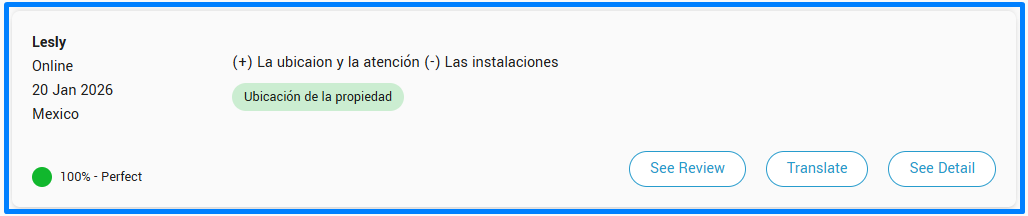
Available for users with the Administrator role.
If you find an erroneously assigned topic, any user with an Administrator role can quickly correct it. Simply hover the cursor over the topic you wish to delete and click on the "X" that appears.
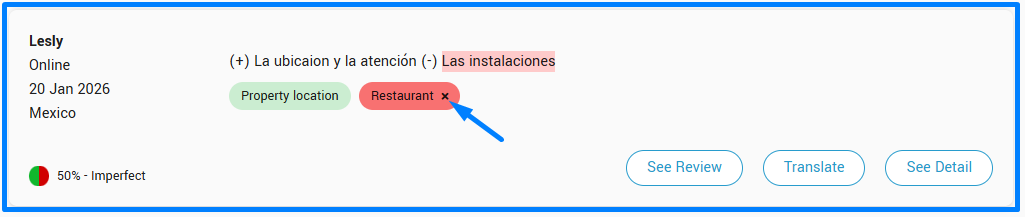
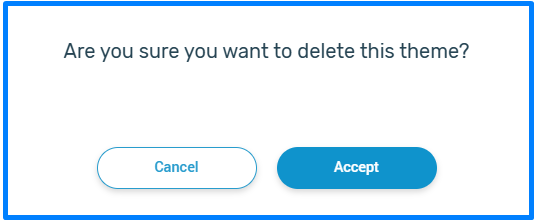
Upon removing it, the indicators associated with the comment will update automatically. Keep in mind that, for now, the system only allows you to delete misassigned topics, not add new ones.